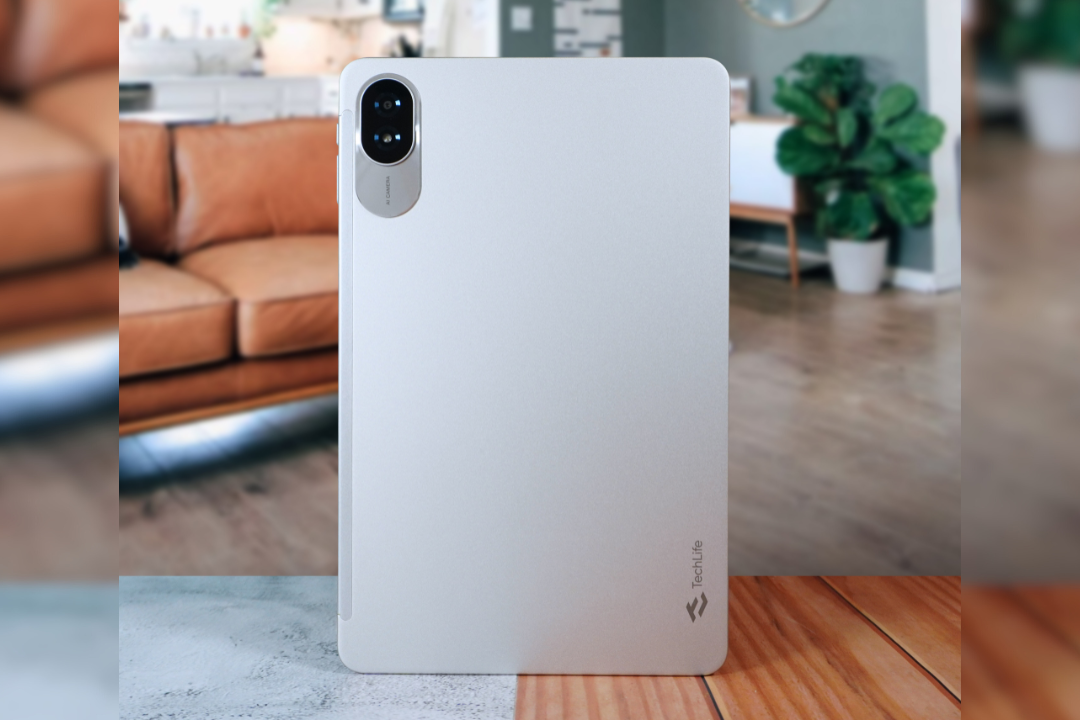
Things are looking bright for neophyte tech brand TechLife, particularly with how competitive its recent tablet offering is despite an affordable price tag. The TechLife Pad Plus 12″, only the third tablet under the brand’s lineup, positions itself as a solid contender in the budget tablet segment. Read on and discover why.
Design:
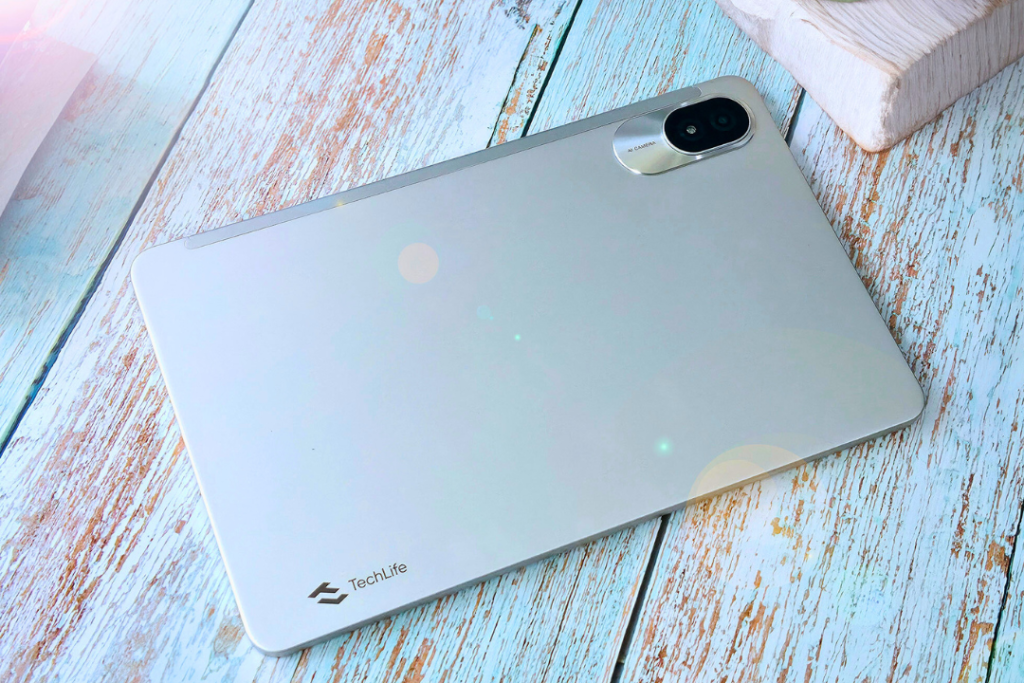
TechLife Pad Plus 12″
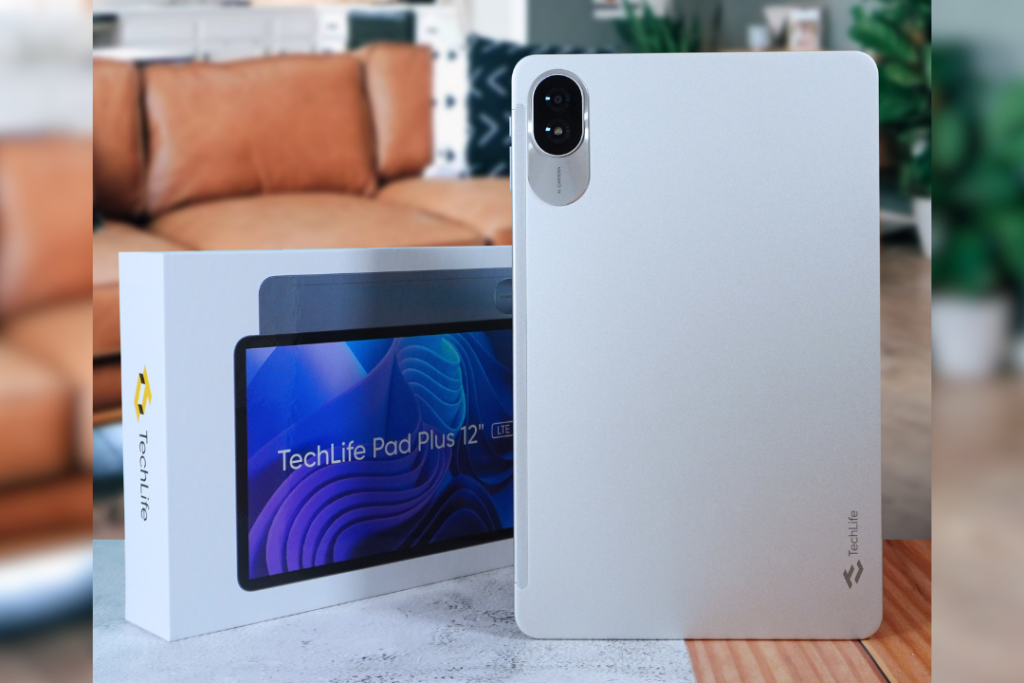
Neat and straightforward seems to be the design language of the TechLife Pad Plus 12″. The review unit that we got from the brand is the Moonlight Silver variant with a shiny, zinc-alloy unibody that’s pleasing to the eyes. It comes dressed in a mix of brushed and polished metal finish, giving off a premium look despite being a budget device.
The majority of its rear cover is a clean slate, save for a vertical pill-shaped camera module which houses its lone main camera with an LED flash, plus an “AI Camera” label. There’s also a TechLife logo at the bottom part of its back.
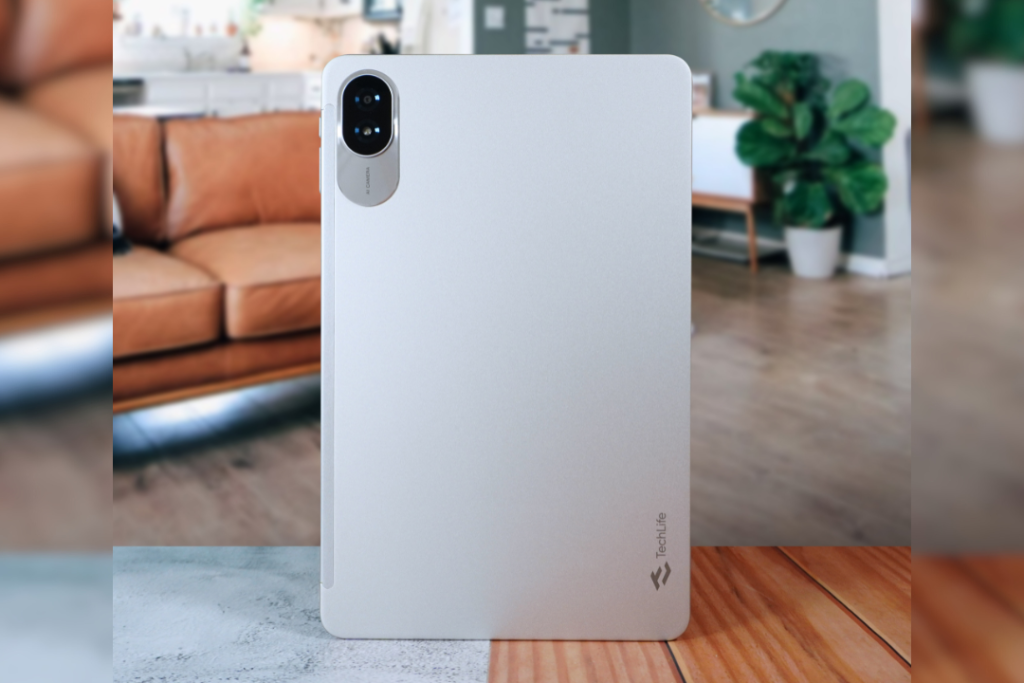
The back panel of the TechLife Pad Plus 12″
A standard set of ports and buttons surrounds the TechLife Pad Plus 12″. On the right side is where you’ll find the tablet’s power button, volume keys, microphone, and SIM card tray. Meanwhile, the left cheek of the device only has a secondary microphone.
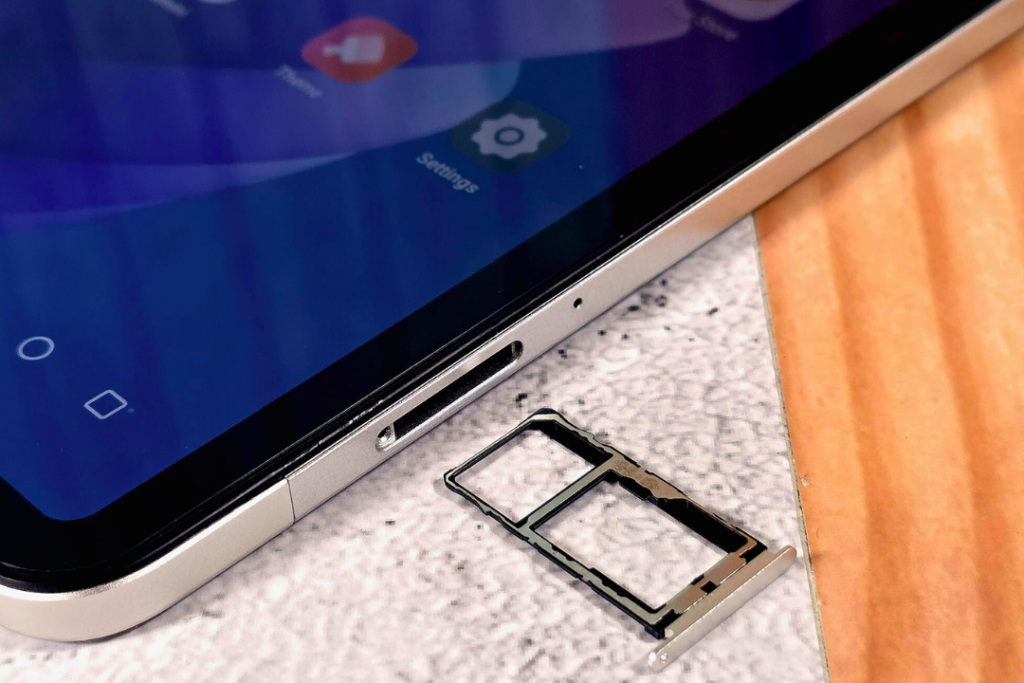
The SIM card tray of the TechLife Pad Plus 12″ can carry microSD and SIM cards at the same time.
An indication that the TechLife Pad Plus 12″ is a tablet intended for streaming and binge-watching is its quad-speaker setup. Two of its loudspeakers are located at the top part of the device while the other two are situated at the bottom, alongside a USB-C port.
When in landscape mode, the speakers are strategically located on the left and right ears of the TechLife Pad Plus 12″, providing good audio balance on both sides of the device.
Despite its slim build that’s only 7.6-mm thin, the TechLife Pad Plus 12″ feels sturdy. Overall, it’s a decent-looking tablet. One design caveat that we’d like to emphasize, however, is how much of a smudge-magnet the TechLife Pad Plus 12″ is. It would’ve been nice if the device’s package came with a free protective case to solve this dilemma.
Display:
Given its name, it’s obvious that the TechLife Pad Plus 12″ has a 12-inch screen. Its surrounding bezels are prominent, but they don’t overshadow how the TechLife Pad Plus 12″ offers a bright display with sharp details. Its viewing angles are also impressive.
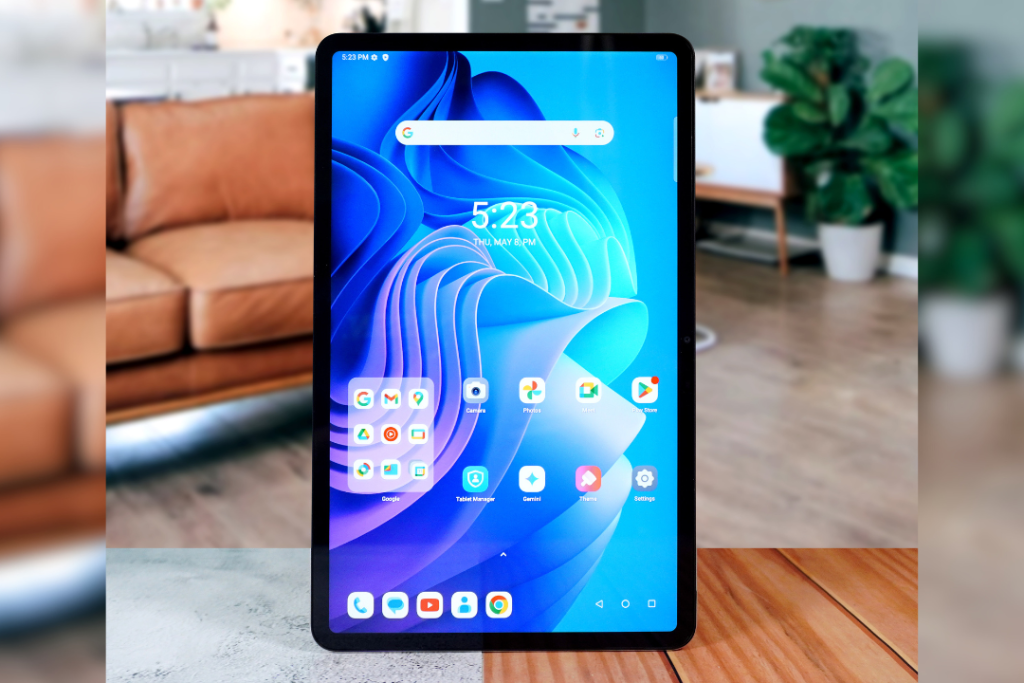
TechLife Pad Plus 12″ display
To complement its quad-speaker setup, the TechLife Pad Plus 12″ has a screen that’s Widevine L1 certified. This means that users can enjoy watching Netflix content in full HD.
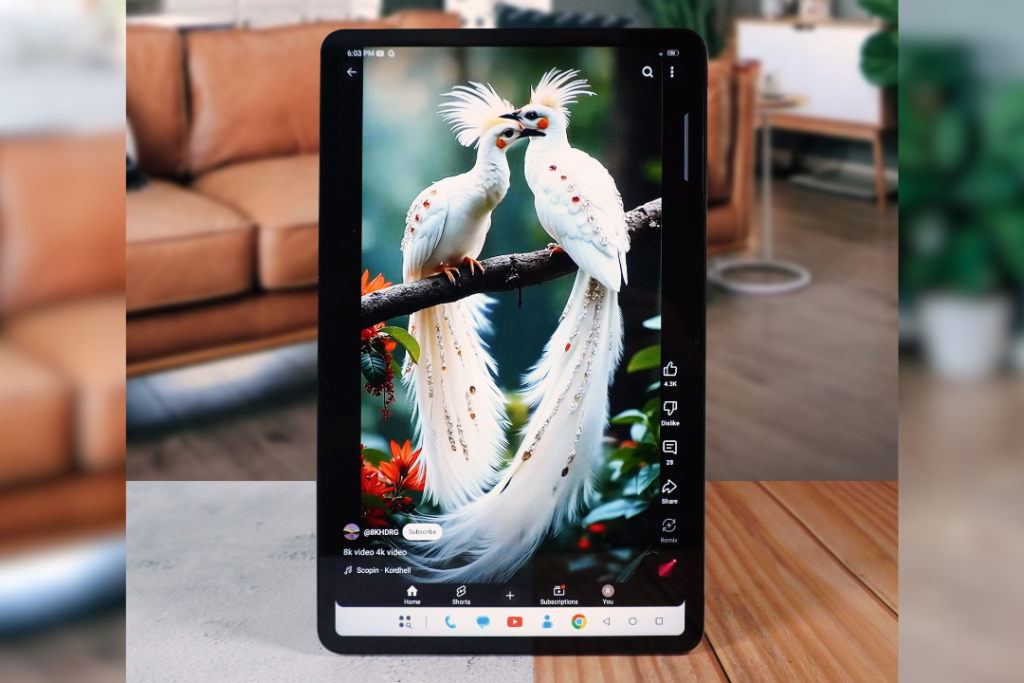
TechLife Pad Plus 12″ display
Even with only a 60Hz refresh rate, the TechLife Pad Plus 12″ boasts fluid scrolling and swiping. However, users might find it a struggle to use the TechLife Pad Plus 12″ outdoors under sunlight, since its peak brightness is only at 450 nits.
Performance:
Under the hood, the TechLife Pad Plus 12″ operates with a Helio G91 processor. Combined with a set of 8GB RAM and 256GB onboard storage, the tablet handles multitasking like a pro. Even with multiple applications already running in the background, switching from GMail to Facebook to Netflix to YouTube to Mobile Legends: Bang Bang remains a breeze.
TechLife Pad Plus 12″
Plus, for those looking to use the TechLife Pad Plus 12″ mainly for hustle and for schooling, the device’s storage can be boosted to up to 1TB, allowing more space to save documents, photos, videos, and other files.
There’s a number of bloatware present on the TechLife Pad Plus 12″ upon initial setup which can be easily uninstalled. One thing worth mentioning, though, is the built-in Gemini app, which provides instant access to the conversational AI assistant. Gemini can also be easily launched with a long-press on the power button.
The TechLife Pad Plus 12″ also allows a split screen mode so users can maximize its massive screen with two windows opened side by side.
Gaming is also a decent experience on the TechLife Pad Plus 12″. We tried playing Mobile Legends: Bang Bang and Call of Duty Mobile on the device and everything went smoothly, with the game and graphics settings tweaked at the mid levels.
Camera:
While it’s unusual and uncomfortable to use a huge tablet for point-and-shoot photography, users can count on the TechLife Pad Plus 12″ to snap decent pictures, thanks to its 13-megapixel main camera. Under good lighting conditions, photos appear social-media ready, with just enough detail sharpness and color vibrancy.
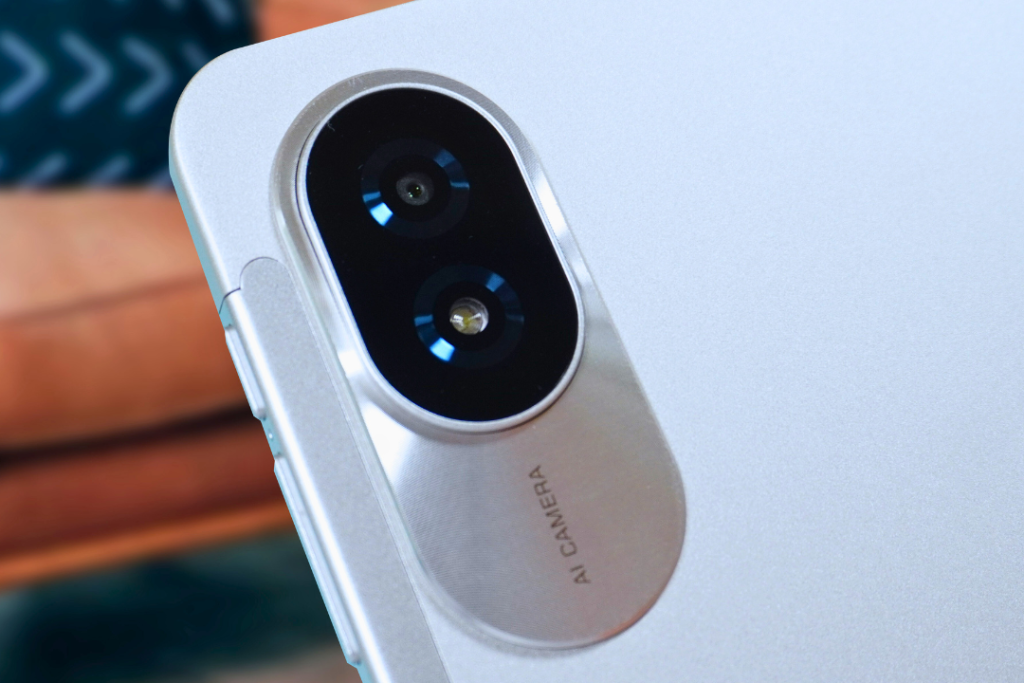
TechLife Pad Plus 12″ main camera
An 8-megapixel lens serves as a selfie camera which is also enough for good visuals during video conference calls.
Battery:
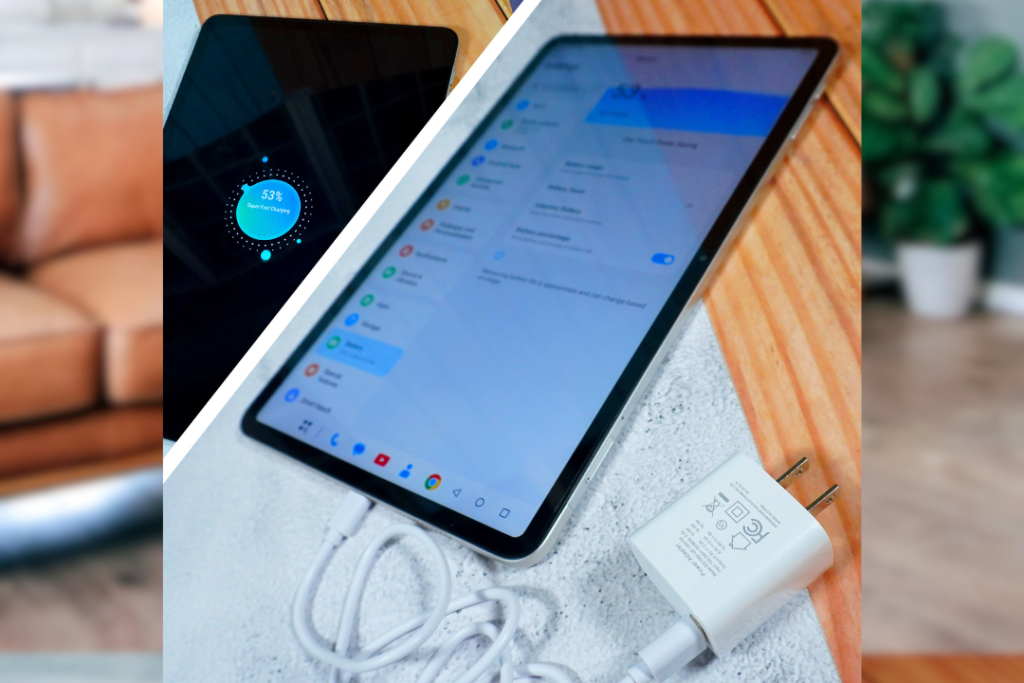
With an 8,000mAh battery, the TechLife Pad Plus 12″ can be a productivity buddy for two days on a single charge. The downside, though, is that the device’s charging time is 2 hours and 37 minutes, based on our experience.
The TechLife Pad Plus 12″ can also recharge other devices through a USB-C cable with a 5W reverse charging power.
Conclusion:
A premium-looking design, good display, decent internals, and big battery capacity – these are more than enough to justify the P9,999 price tag of the TechLife Pad Plus 12″. It’s a practical choice for those looking for a light buy with heavy features.