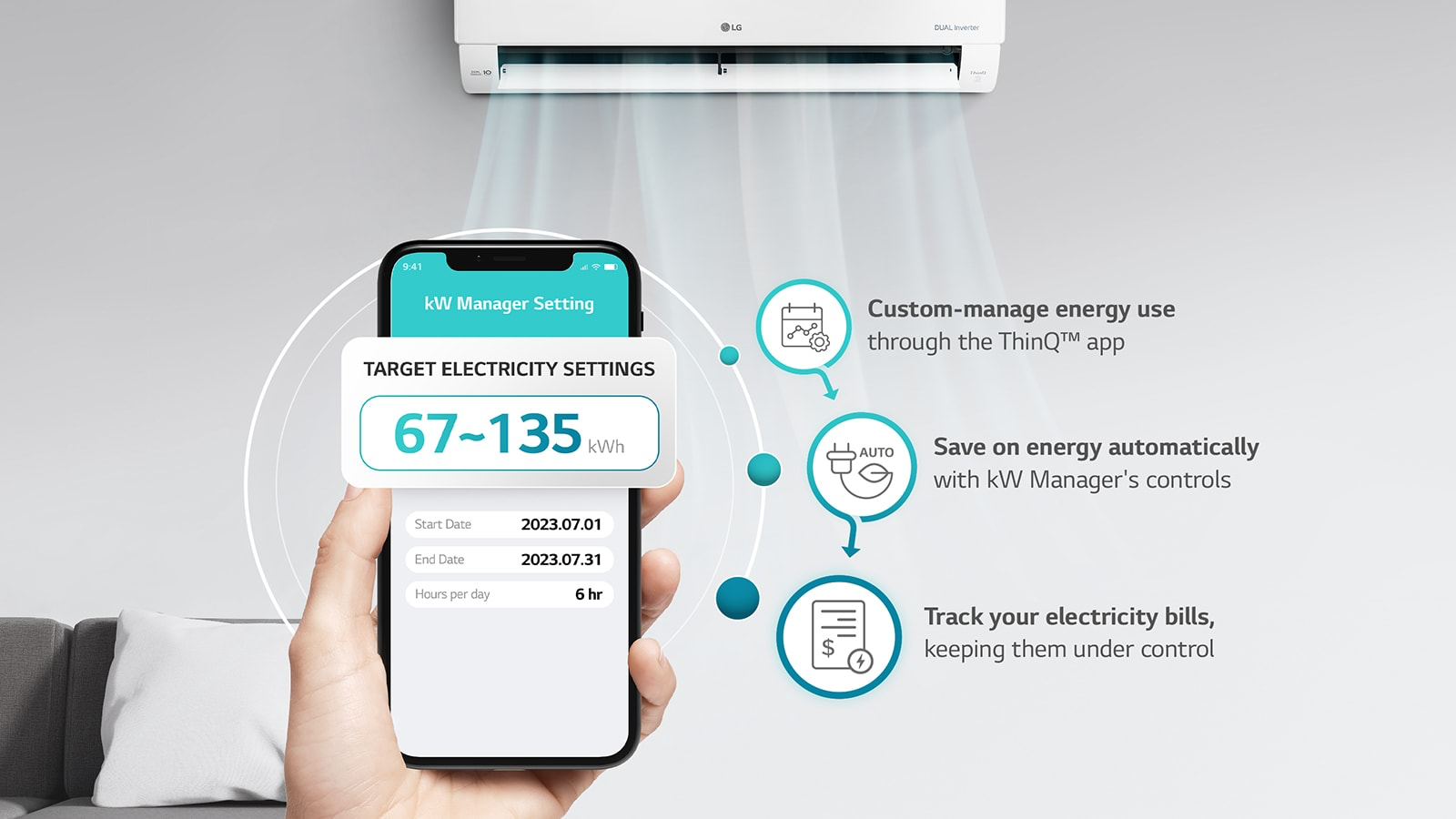
LG provides its customers the freedom to control their energy bills by equipping its air conditioning units with a feature called the kW Manager which allows users to set and monitor their air conditioner’s electricity usage through the LG ThinQ app.
Available on LG DualCool window and split type inverter air conditioners, the kW Manager gives customers the option to enjoy the comfort of air conditioning while staying within a budget in terms of electricity bills.
The brand also made it easy to use the kW Manager function. Here’s a step-by-step guide.
- Download the LG ThinQ app.
- Set up your account.
- Connect your air conditioner. Ensure that the device is in pairing mode.
- Once the air conditioner is connected, the kW Manager can be accessed through the LG ThinQ app.
- Set your targets according to your preferences. You can set specific times where your air conditioner will consume particular kW usage.
- Keep track of your air conditioner’s energy consumption in real-time through the app.
According to LG, apart from saving customers from an electricity bill shock, the kW Manager promotes sustainable living by benefiting the environment through energy efficiency.Know more about LG and its air solutions via @LGAirSolutionsPH and @LGPhilippines on social media.